
Remote Support
Fast, secure computer help without leaving your home. We connect to your screen and fix the problem while you watch.
Book a Session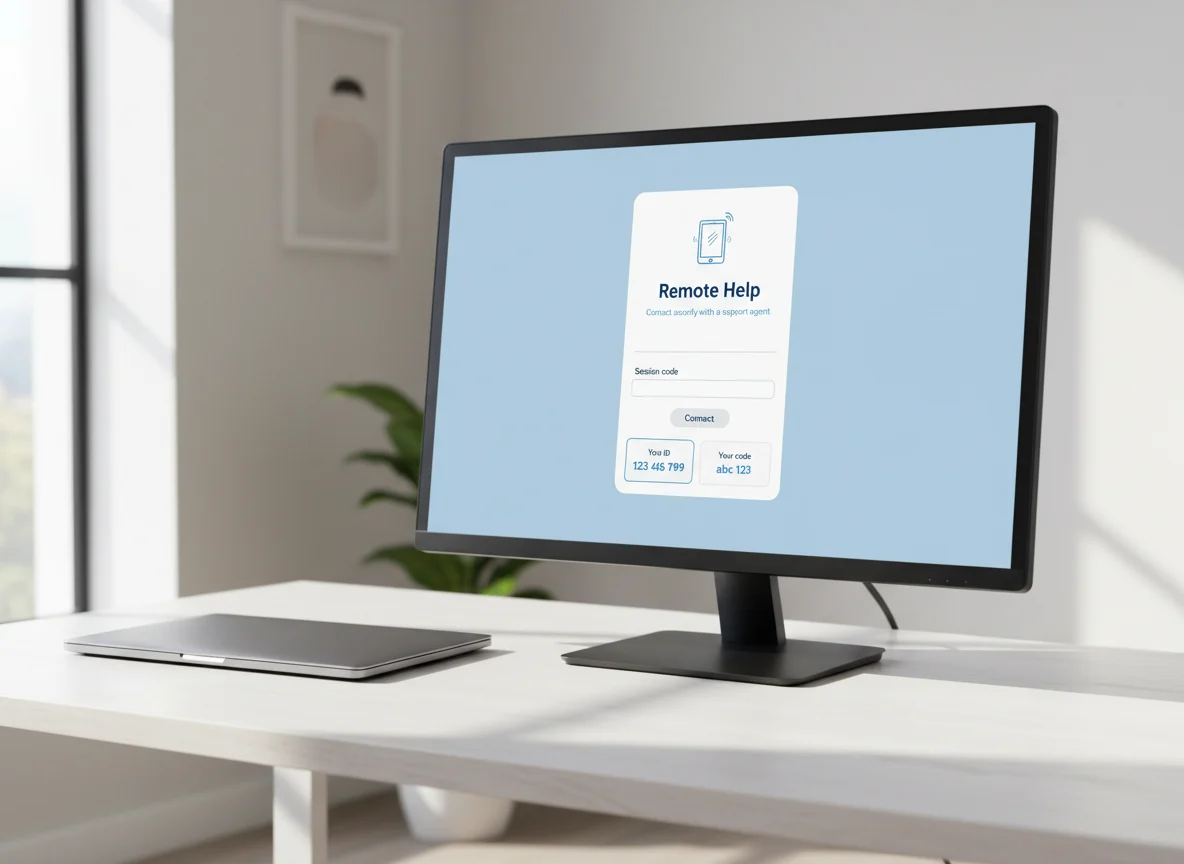
What is Remote Support?
Remote support lets us connect to your computer over the internet to help fix problems — without needing to visit your home. Using a secure remote-control program, we can see your screen and control your mouse and keyboard to diagnose and fix issues, while you watch everything we do.
Safe & Secure
TeamViewer uses bank-level encryption. We can only access your computer when you allow it.
You Watch Everything
You see exactly what we're doing on your screen. Nothing hidden, nothing sneaky.
Fast & Convenient
No waiting for a home visit. Often available same-day for quick software fixes.
How to Get Started
Follow these three simple steps to connect with us.
Download the Support Tool
Pick your operating system below, then download and run the small support program. No permanent install is needed — it only runs for this session.
Run the File
Open your Downloads folder and double-click the file you just downloaded. On Windows and Mac, TeamViewer QuickSupport will open straight away. On Linux, your software centre will open with an Install button — click it, then launch RustDesk from your apps menu. Either way, you'll end up with a window showing a Your ID number and a Password.
Tip: Windows and Mac users — QuickSupport doesn't install anything permanently. It runs once for this session, and we can't reconnect after you close it.
KDE Plasma users: Look for the green dot or "New" label in your apps menu — that's RustDesk, freshly installed and ready to open.
Call Us
Give us a call on 0456 088 593 and read out your ID number and Password from the support window on your screen. We'll connect securely and start helping you right away.
Call 0456 088 593How Payment Works
To book a remote session, simply call us or use the contact form. We'll confirm what's involved before we begin, and send a secure invoice once the session is complete.
Remote Support is Ideal For
Quick fixes that don't require us to be there in person.
Is Remote Support Secure?
Letting someone connect to your computer is a big trust step, so we keep every session private, permission-based and fully visible to you.
Bank-level encryption
Every remote session runs through TeamViewer or RustDesk with end-to-end encryption, so your connection stays private.
You see everything
Your screen stays in front of you the whole time. You watch every click we make and can stop the session at any moment.
Access only when you allow it
We can only connect when you share your one-time ID and password. QuickSupport installs nothing permanent — close it and access ends.
Remote or On-Site — Which Do You Need?
Remote support is perfect for software problems. For anything physical, an on-site visit is the way to go — and we’ll always point you to the right option.
Choose Remote ($79/hr)
- Email, software and account issues
- Slow computer clean-ups and popups
- Printer and Wi-Fi settings
- Quick how-to help and guidance
Choose On-Site ($99/hr)
- Hardware faults and upgrades
- Screen, battery or drive replacement
- New computer or printer set-up
- Anything that needs hands-on work
Remote Support FAQs
The questions we’re asked most about connecting remotely.
How much does remote support cost?
Remote tech support is $79 per hour, billed for the time we actually spend. We’ll let you know if a job is better suited to an on-site visit before we start, and you only receive an invoice once the session is complete.
Is remote access to my computer safe?
Yes. We connect using TeamViewer or RustDesk with bank-level encryption, and only after you share a one-time ID and password. You watch the entire session on your screen and can end it instantly. QuickSupport doesn’t install anything permanent, so we can’t reconnect later.
What kind of problems can you fix remotely?
Most software-based issues — email setup, slow computers, virus and popup problems, printer connections, software installs, account recovery and general how-to help. Hardware faults such as a failed drive or broken screen need an on-site visit or a back-to-base repair.
Do I need to install anything permanently?
No. On Windows and Mac, TeamViewer QuickSupport runs once for the session and leaves nothing behind. On Linux we use RustDesk, which you can remove any time. Nothing stays running in the background.
What if the remote session can’t fix my problem?
If your issue turns out to be hardware-related or needs hands-on work, we’ll tell you during the session and arrange an on-site visit across South Brisbane and Logan, or a back-to-base repair — whatever suits you best.
Remote support means we can help you anywhere — and if a hands-on visit is needed, we’re mobile across South Brisbane and the Logan City area, including Beenleigh, Loganholme, Springwood and Browns Plains.
Having Trouble with the Download?
Don't worry if you get stuck! Just give us a call and we'll walk you through it step by step. We're patient and happy to help.
Call 0456 088 593Ready to get started?
Call or text Jeremy today for friendly, honest computer help.