
Why Is My Computer So Slow? 5 Common Causes (and Easy Fixes)
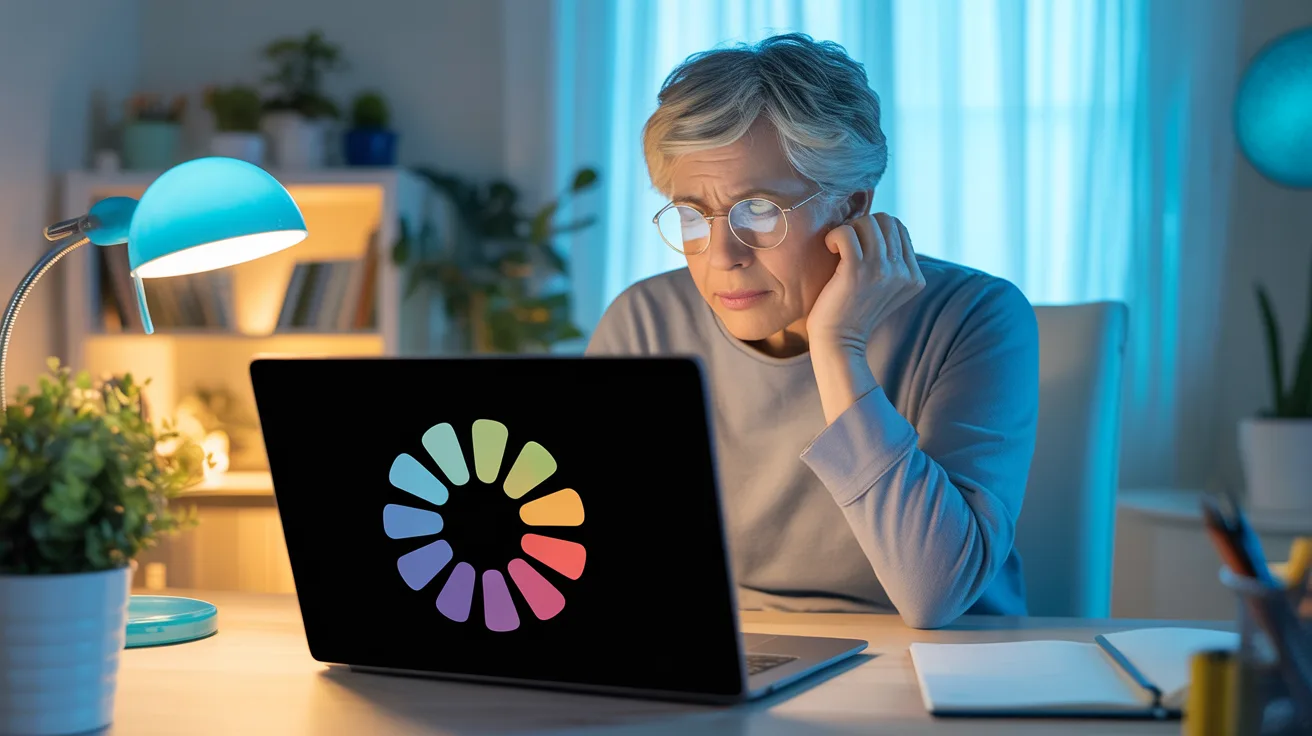
A slow computer is the single most common reason people call us. Whether it takes five minutes to start up, freezes when you open a browser, or just feels sluggish — there's usually a clear reason behind it.
Here are the five things we see most often when we visit homes across South Brisbane and Logan:
1. Too Many Programs Starting Up Automatically
Over time, programs add themselves to your startup list. Every one of them fights for attention when your computer turns on, slowing everything down to a crawl.
Quick fix: On Windows, press Ctrl + Shift + Esc to open Task Manager, click the "Startup" tab, and disable anything you don't need running immediately. Be conservative — if you're not sure what something is, leave it alone.
2. Not Enough RAM (Memory)
If your computer has 4GB of RAM or less, it's going to struggle with modern web browsers and apps. Chrome alone can use over 2GB. Your computer starts using the hard drive as overflow memory, and that's dramatically slower.
The fix: A RAM upgrade is one of the cheapest and most effective improvements. We can check what your computer supports and install it on the spot — usually takes about 20 minutes.
3. Old Mechanical Hard Drive
If your computer is more than a few years old, it probably has a traditional spinning hard drive (HDD). Replacing it with a solid-state drive (SSD) is like going from a bicycle to a car — everything loads faster.
The fix: An SSD upgrade is the single biggest speed improvement you can make. If a drive has already started to fail and you are worried about losing files, our professional data recovery service can rescue your files first. We clone your existing drive so you don't lose any files, settings, or programs.
4. Malware or Unwanted Software
Sometimes a slow computer isn't just old — it's infected. Malware, adware, and "potentially unwanted programs" run in the background, chewing through your resources without you knowing.
The fix: A proper malware scan and cleanup. We use professional tools that go beyond what free antivirus software catches. For many software problems like this, we can often help without even visiting, through our secure remote computer support. If you've noticed pop-ups, weird browser behaviour, or programs you don't remember installing — this is likely the culprit.
5. Windows Updates Piling Up
Windows updates are important, but sometimes they download in the background and sit there half-installed, bogging everything down. Or worse, a bad update causes ongoing issues.
The fix: Let the updates finish properly (don't force-shut-down during an update!). If updates are stuck or causing problems, we can sort them out and get things running smoothly again.
Still Slow After Trying Everything?
If none of these quick fixes help, there might be a deeper issue — a failing hard drive, overheating, or a hardware problem. That's where a proper diagnosis helps. We come to your home in South Brisbane or Logan, check everything, and give you a straight answer about what's going on.
No jargon, no upselling — just honest advice about whether it's worth fixing or time for something new.
Need Help With This?
We come to your home in South Brisbane & Logan. No jargon, no upselling — just honest help.